LMBDA Research & Insights | November 10, 2026
Finding a charging station is only part of an electric-vehicle road trip. Drivers also need to know whether a plug fits their car, how far the next stop is, and whether other motorists have recently had a successful charging session there. PlugShare's version 8.0 update, rolling out worldwide for iPhone on November 10, 2026, focuses on those practical questions rather than introducing a new charging network.
According to Electrek's November 9 report, the release introduces system-aware dark mode, clearer distance information in the trip planner and a rebuilt Apple Watch experience for finding compatible charging stations. Android users are expected to receive dark mode and a Material 3-based redesign in early 2027. These are reported rollout plans; availability may vary by App Store region, device and installation timing.
What's new in PlugShare 8.0?
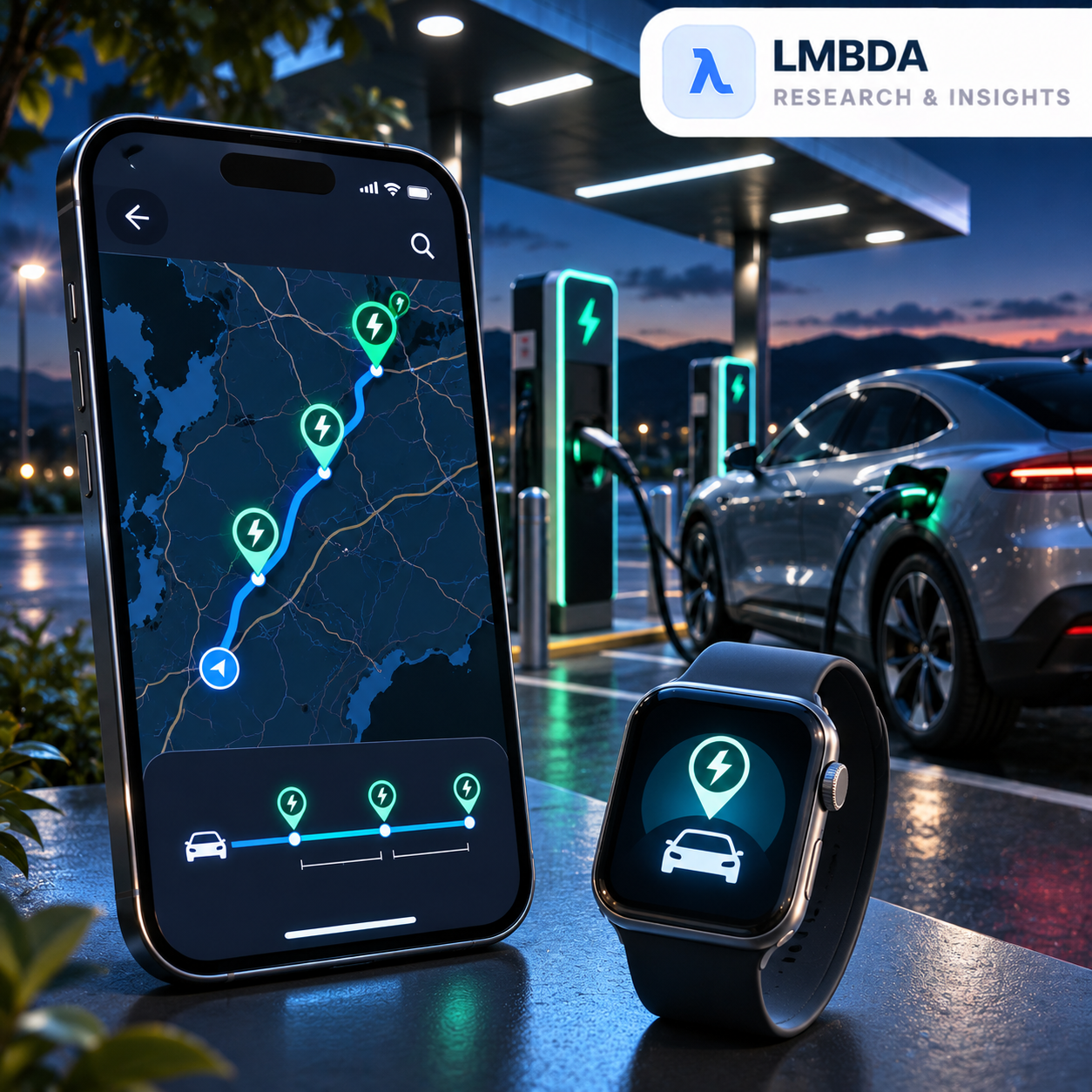
Dark mode: The iPhone app now follows the device's appearance setting, making the charging map and related screens dark when the system switches to dark appearance. This is particularly convenient during night driving, although it does not itself improve charger availability or route accuracy.
Clearer trip distances: Charging stops in the trip planner now display their distance from both the trip's starting point and the previous charging stop. That helps drivers judge the length of the next leg without manually subtracting cumulative distances.
Faster access to saved information: Saved locations, trips and profile information are prepared when the app opens or the user signs in, reducing the need to wait for frequently used sections.
Better station photos: Drivers can open and zoom photos directly from thumbnails, useful for locating chargers hidden in large car parks or behind commercial buildings.
Apple Watch redesign: A rebuilt companion app brings nearby chargers, distance and directions to the wrist, using compatibility filters configured on the paired iPhone.
Electrek also reports interface adaptations for a foldable iPhone form factor. This detail comes from the report and should not be treated as independent confirmation of any unannounced Apple hardware.
How the new trip planner helps on a real journey
Imagine a driver planning a 420-kilometre journey with charging stops 150 km and 300 km from the starting point. A planner that shows only cumulative distance forces the driver to calculate each segment. PlugShare 8.0 makes the distinction explicit: the second stop is 300 km from departure but 150 km from the first charging stop.
This can make it easier to compare a conservative charging plan against a longer leg. But distance is not the same as battery consumption. A 150-km motorway segment at high speed may require substantially more energy than the same distance on slower roads. Elevation, temperature, wind, tyre choice and the vehicle's usable battery capacity all matter.
Drivers should still check their car's energy prediction, the station's connector and power rating, and whether an alternative charger is reachable if the preferred stop is unavailable. PlugShare's new distance labels improve visibility; they do not guarantee that a vehicle can safely complete the next leg.
What the Apple Watch app actually shows
The rebuilt PlugShare Apple Watch app lists nearby charging stations and can provide distances and directions. It inherits the filters selected on the iPhone, so drivers can narrow results to plugs compatible with their vehicle rather than browsing every station in the area.
According to the release coverage, selecting a location displays its PlugScore, charging-network operator, a small map and connector information, including NACS, CCS, CHAdeMO and J1772 where relevant. The nearby-station list refreshes when the watch is raised and the app is opened. Users can also add an app shortcut to supported watch-face complication slots.
That is useful for a quick check while parked or walking back to a vehicle. It is not a substitute for safe driving behaviour: drivers should not interact with a smartwatch while controlling a moving car.
Plug compatibility is not the same as charging compatibility
A connector filter is an important first step, but a matching plug label does not always mean a charger will work with every vehicle. Drivers may need to check the connector standard, charging mode, vehicle support, maximum power, network access and any required adapter.
For example, CCS is a family of combined charging-system connectors with regional differences. CCS1 is common in North America, while CCS2 is widely used for DC charging in Europe. NACS is associated with the North American charging ecosystem; J1772 is a North American AC connector; and CHAdeMO remains relevant to some older and regional EV models. A label that is useful in one market should not be interpreted as universal physical compatibility.
European drivers should confirm whether their car uses Type 2 AC charging, CCS2 DC charging or another supported standard. They should also verify whether the station's listed connector and access rules match their specific vehicle. Filters help avoid obvious mismatches, but they cannot replace the vehicle manual and charging operator's current information.
Why PlugScore and driver reports matter
PlugShare's official App Store listing describes a community-powered charging map that combines station information with driver reviews, photographs and PlugScore ratings. Users can filter stations by connector, charging speed and amenities, and can consult recent check-ins when choosing where to stop.
These contributions help fill a gap between a charger appearing on a map and being practically usable. Photos may reveal a charger behind a barrier; comments may flag a broken cable or a parking restriction. However, user-generated information can become stale, and some network-operated locations may have restricted community editing. A high score is a useful signal, not a guarantee that a charger will be working or unoccupied at arrival.
Before a critical charging stop, drivers should check recent reports, the operator's own live status where available, payment requirements, access hours and at least one backup station.
How to use PlugShare 8.0 for a road trip
First, update PlugShare through the iOS App Store when version 8.0 becomes available in your region. Confirm that your vehicle profile is correct and select the appropriate plug types and desired charging power. Open the trip planner and enter your route, then review each stop's distance from the previous stop as well as from the starting point.
Next, open the candidate stations and inspect recent check-ins, PlugScore, operator details and photographs. If a charger is located in a shopping centre, hotel or car park, confirm any parking fees or access restrictions. Finally, identify a fallback charging location within your remaining range, allowing for adverse weather and battery reserve.
For Apple Watch users, check that the paired iPhone has the intended filters set. Open the watch app to view nearby compatible stations, then use its location details to decide where to navigate. The watch display is a convenience layer, not a replacement for vehicle-specific route and energy planning.
What about Android?
Electrek reports that PlugShare plans to bring dark mode and a redesign based on Google's Material 3 design language to Android in early 2027. That is a future release window, not a confirmed exact launch date. Android users should continue using the current app and watch the official Play Store listing or PlugShare announcements for availability.
The November 10 iPhone update should not be described as a simultaneous Android launch. Nor does a design refresh imply that every Apple Watch feature will automatically appear on Wear OS.
What the update does not change
PlugShare remains primarily a charging-discovery and planning service. Version 8.0 does not create new charging stalls, increase a charger's electrical output or ensure that a network's availability data is perfectly current. It also does not mean every charging station can be activated or paid for through PlugShare; payment integrations depend on participating operators and regions.
Similarly, the watch's compatibility filters cannot resolve hardware and network-access restrictions that exist outside the app. The most valuable improvement is reducing friction in the decision-making process: finding a plausible charger, understanding the route to it and checking whether it is likely to work.
Why this matters beyond dark mode
EV infrastructure is often evaluated by the number of installed chargers, but the driver's experience depends on discovery, trust and successful charging sessions. Small interface improvements can matter when someone is travelling at night, approaching an unfamiliar motorway exit or trying to avoid a station that is too far beyond the previous stop.
PlugShare 8.0 reflects a broader direction in electric mobility software: combining location data, community feedback, vehicle compatibility and route context into faster decisions. The update does not solve every reliability problem, but it makes several pieces of information easier to reach at the moment a driver needs them.
Frequently asked questions
When is PlugShare 8.0 available?
Electrek reports a worldwide iPhone rollout beginning November 10, 2026. Actual availability may vary by region and App Store rollout timing.
Does PlugShare 8.0 have dark mode?
Yes, the reported iPhone update adds a dark interface that follows the iPhone's system appearance setting.
What changed in the trip planner?
Each charging stop can now show both its cumulative distance from the trip start and its distance from the previous stop.
Can Apple Watch show compatible EV chargers?
Yes. The rebuilt app uses charging filters set on the paired iPhone and displays nearby stations, directions and connector details.
Is PlugShare 8.0 available for Android?
The November 10 rollout concerns iPhone. An Android redesign and dark mode are planned for early 2027, according to the release coverage.
Does PlugShare guarantee a charger is working?
No. Ratings, check-ins and station data help assess reliability but may be incomplete or outdated. Verify important stops with the network operator and keep a backup.
Does the new version calculate real-world battery consumption?
The reported enhancement is clearer distance information between stops. It should not be interpreted as a guarantee of vehicle-specific energy predictions.
The bottom line
PlugShare 8.0 is a usability release with a practical focus. Dark mode makes night use more comfortable; stop-to-stop distances make trip planning easier to interpret; and the rebuilt Apple Watch app brings charger discovery closer to hand. The value is not in flashy technology but in helping EV drivers make better-informed charging decisions with less effort.